In Plain English
BDS Growth Engine was built to make content automation simple for normal users, not just technical users. When you sign up, the AI setup assistant can help build your brand profile by scanning your website or by asking you simple questions about your business, services, audience, and tone.
After setup, the platform chatbot can help answer platform-related questions while you work. Instead of guessing where to click or how a feature works, users can ask the chatbot for help inside the system.
Built-In Help From the First Login
The platform is designed so users do not have to figure everything out alone.

AI Brand Setup Assistant
The assistant helps users create their brand profile by scanning their website or by walking them through simple setup questions.
Website-Based Brand Learning
Users can provide a website, and the system can use it to understand the business, services, messaging, tone, and audience.
Platform Help Chatbot
The built-in chatbot helps users with platform questions, feature explanations, setup guidance, and workflow support.
The 5-Step Workflow
This is the simple process users follow after signup, with AI guidance available during setup and while using the platform.
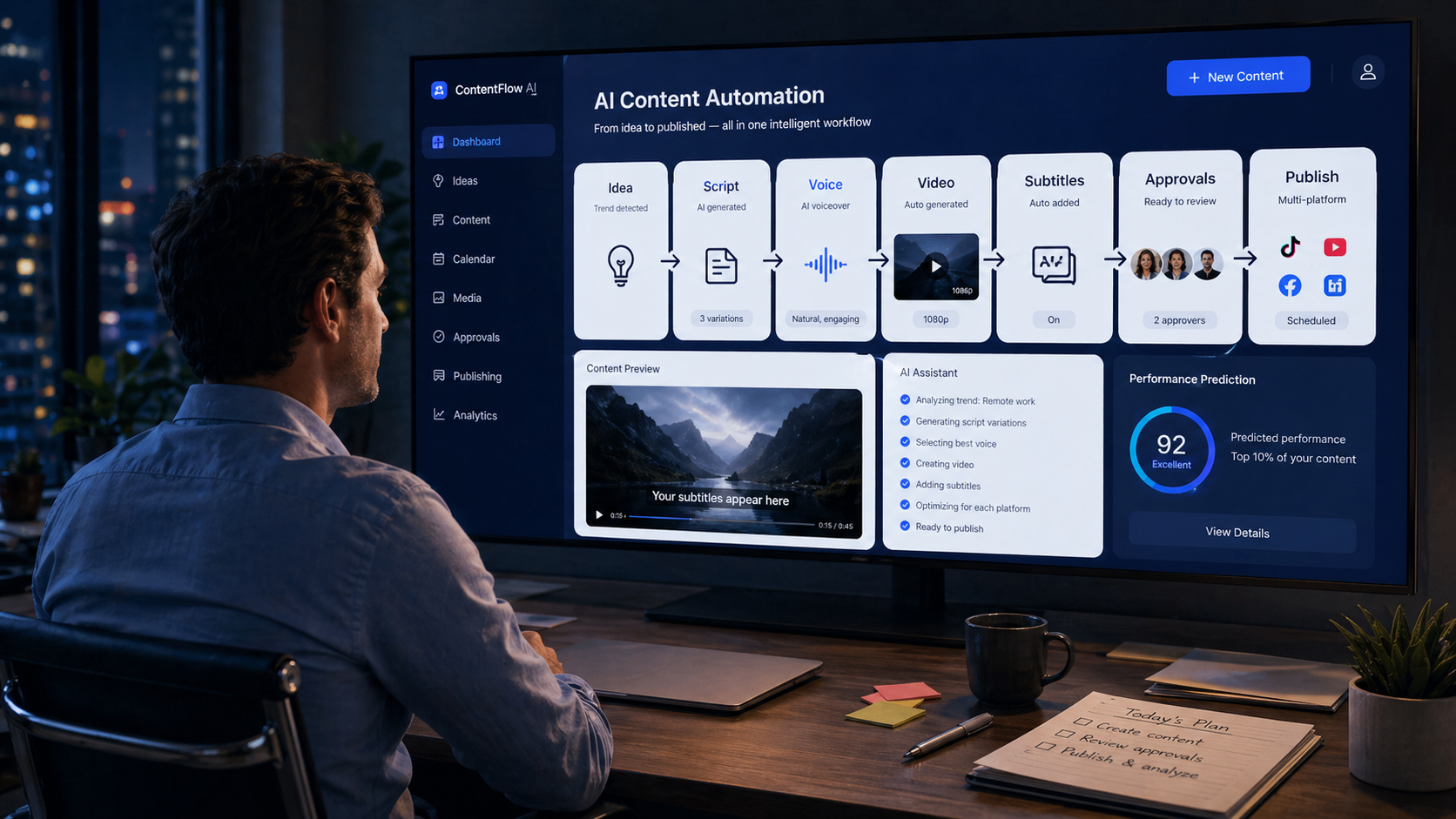
AI Setup
Use the assistant to scan your website or enter brand details manually.
Add Topic
Enter an idea, service, keyword, or campaign.
Create Drafts
Generate articles, videos, captions, and scripts.
Review
Edit, approve, reject, or schedule before publishing.
Publish
Post manually or use automation when you are ready.
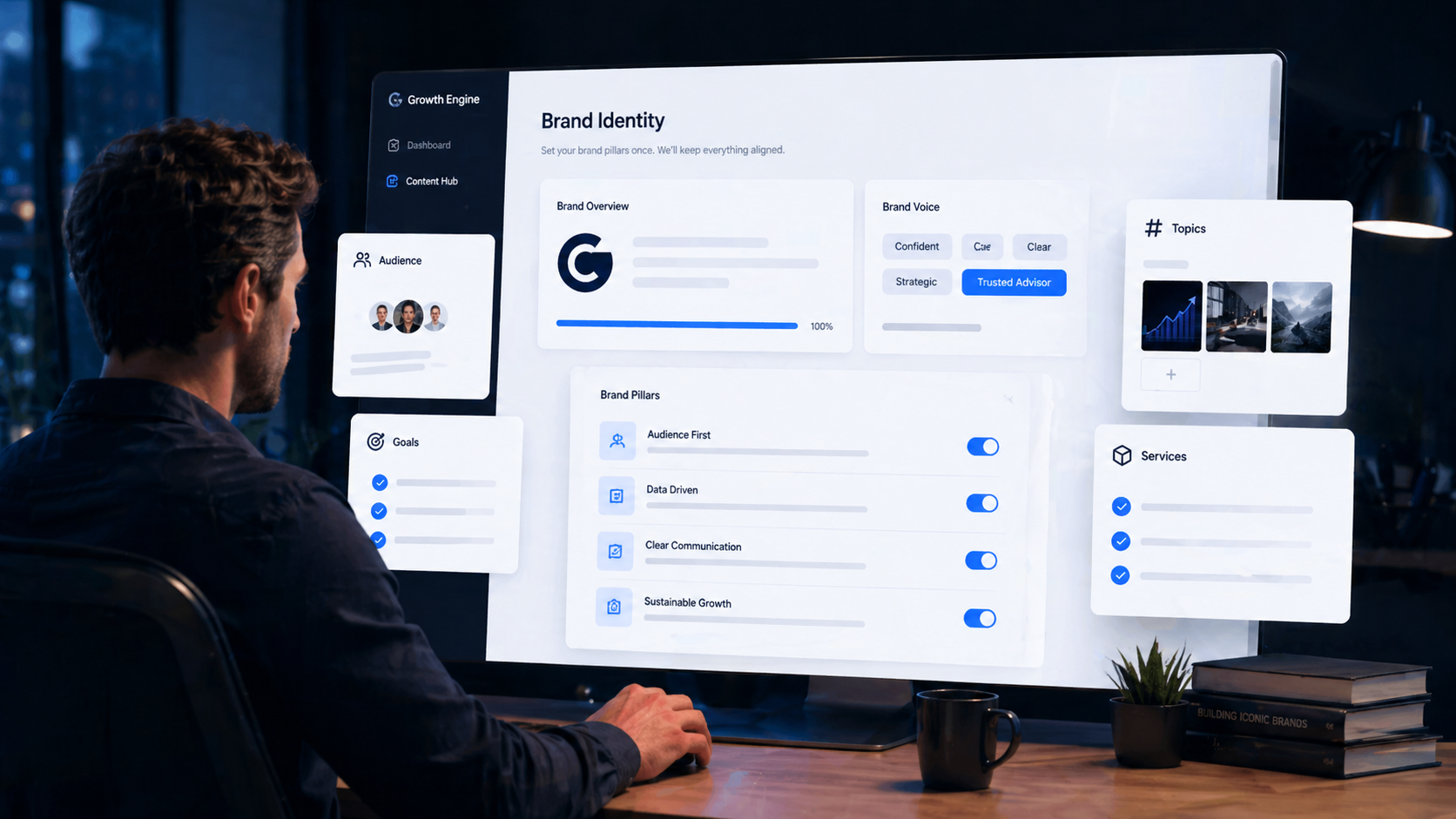
Let the AI Assistant Set Up Your Brand
Users do not have to start with a blank form. The AI setup assistant can help create the brand profile by scanning a website or by asking simple questions about the business. The better the brand setup, the better the content drafts.
- Website scan: Provide your website so the assistant can learn your business, services, messaging, and tone.
- Guided questions: If there is no website, the assistant can collect the needed brand details through simple questions.
- Brand profile: Save your business name, industry, services, offer, tone, target audience, and content goals.
- Media Vault: Upload photos, logos, job images, staff images, or brand assets for future content.
- Secure connections: Connect social and publishing accounts when you are ready to post.
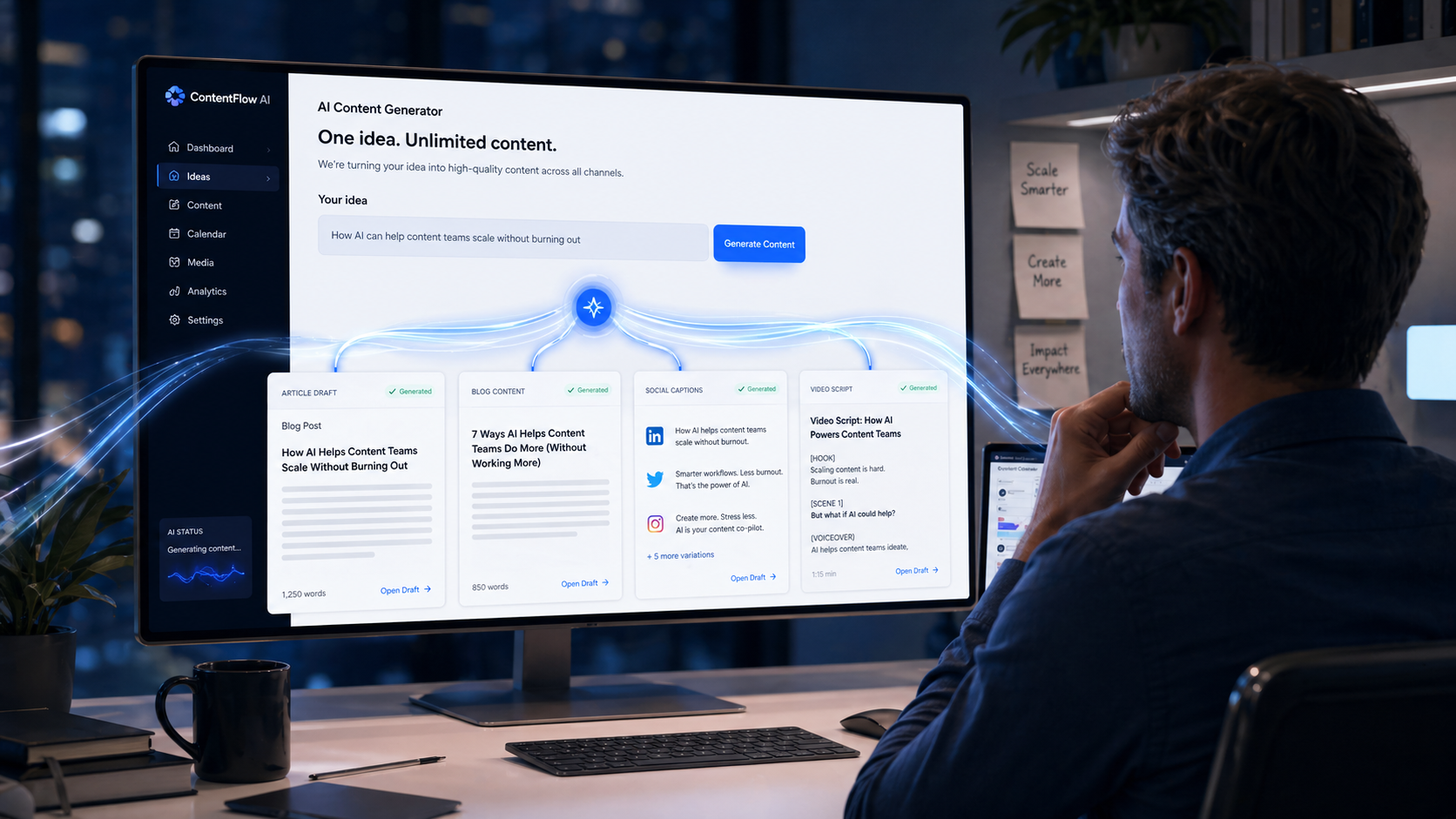
Create Articles, Scripts, and Videos
After your brand is set up, you can give the system a topic. BDS Growth Engine can turn that topic into content pieces that are ready for review.
- Articles: Create long-form articles for blogs, websites, or authority content.
- Scripts: Turn the same topic into a video script or short-form content outline.
- Voice and avatar: Use AI voice, cloned voice, or avatar-style video features depending on your plan.
- Subtitles and captions: Add subtitles, social captions, and descriptions for easier publishing.
Review Every Draft Before It Goes Live
The safest way to use the platform is draft-first. The system creates the content, but you decide what gets approved, edited, scheduled, or rejected.
- Review articles: Check the article before it is posted to your website or blog.
- Preview videos: Watch the video before it is published to social platforms.
- Edit captions: Adjust descriptions, hashtags, calls to action, and titles.
- Approve manually: Keep full control before anything represents your business online.

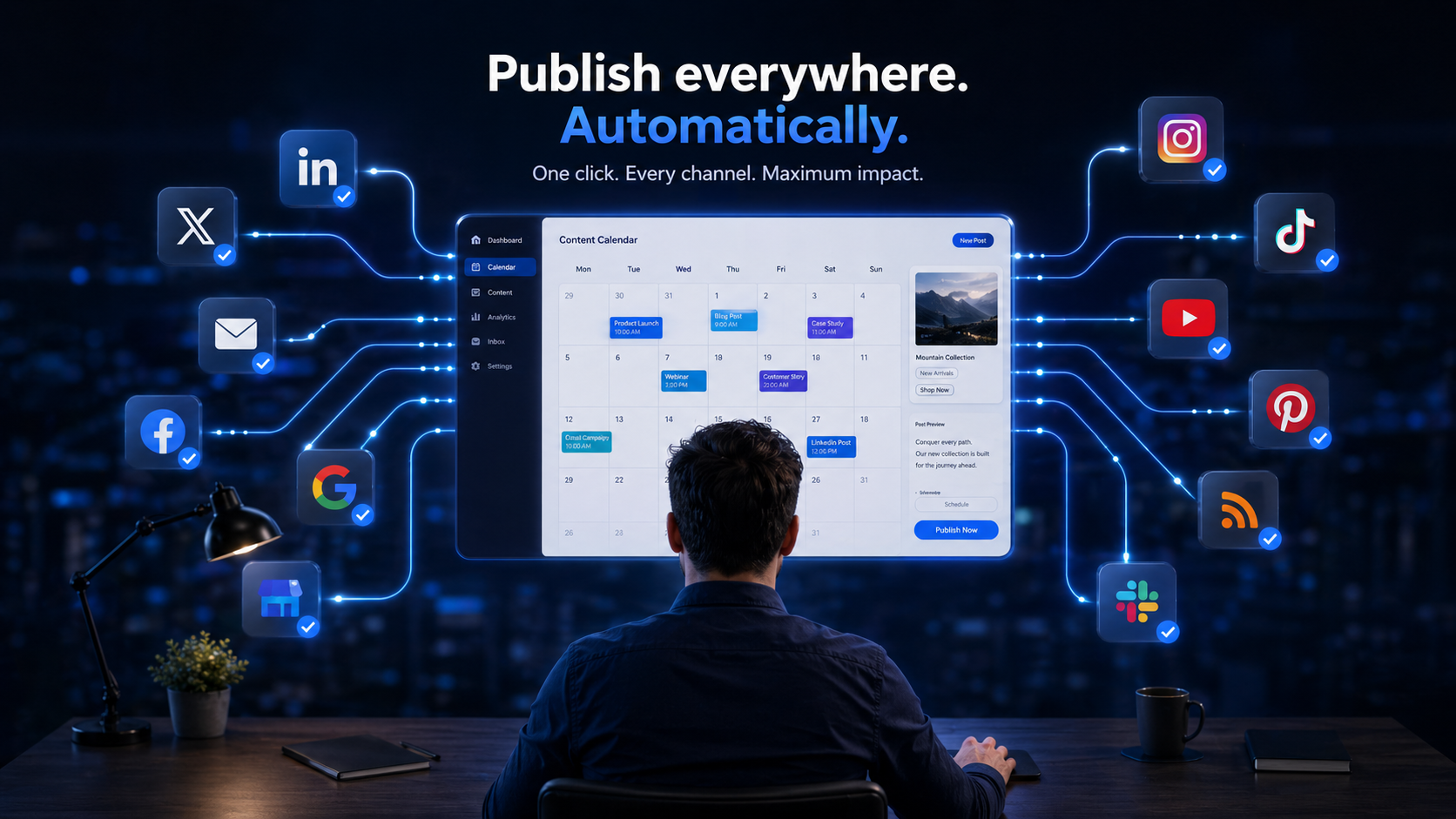
Turn On Autopilot When You Are Ready
Autopilot is optional. It can help keep your content calendar full by preparing future drafts based on your settings.
- Calendar support: Help plan future content instead of starting from a blank page.
- Draft notifications: Get alerted when content is ready for review.
- Optional automation: Choose whether content stays in review mode or moves through approved automation settings.
- Control settings: Turn automation on or off based on your comfort level.
Manage Client Content as an Agency
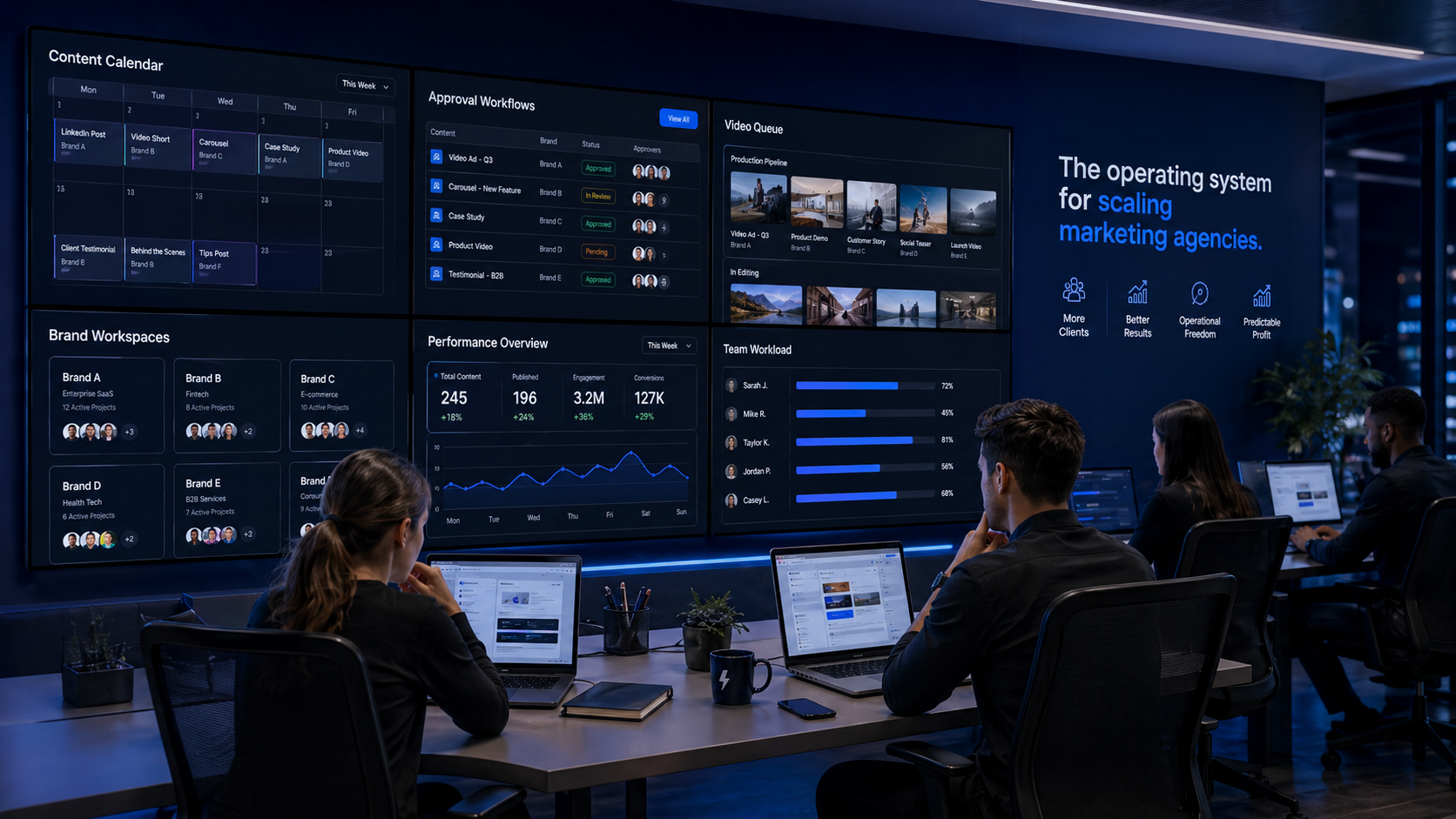
Agencies can manage multiple client brands from one account. Each client can have separate brand settings, media, content workflows, and publishing connections.
- Separate workspaces: Keep each client brand organized and isolated.
- Staff roles: Let team members create drafts while managers approve final content.
- Usage controls: Manage client usage, limits, and production workflows.
- White-label options: Use eligible agency plans to present the platform under your own brand.
Who This Is For
BDS Growth Engine is designed for people who need consistent content without rebuilding the process every week.

Business Owners
Create regular content for your brand without hiring a full writing, video, and social media team.
Creators
Turn ideas into articles, scripts, videos, captions, and scheduled posts faster.
Agencies
Manage content production, client approvals, and publishing workflows across multiple brands.
You Stay in Control — With Help Available
The platform helps create and organize content, but your business should still review anything that represents your brand. If users need help, the built-in chatbot can answer platform-related questions and explain how features work.
- The AI assistant helps with brand setup.
- The chatbot helps answer platform questions.
- You choose the topics.
- You control the brand settings.
- You review drafts before publishing.
- You decide which accounts are connected.
- You can turn automation on or off.
- You are responsible for final approved content.

BDS Growth Engine creates AI-assisted drafts and publishing workflows. You are responsible for reviewing, approving, editing, and publishing content that represents your business.
For full legal terms, review the Terms of Service and Acceptable Use Policy.
Ready to Build Your Content Workflow?
Start with the AI setup assistant, build your brand profile, generate your first drafts, and use the chatbot whenever you need platform help.